A practical on-page SEO guide to content, titles, links, images, page experience, quality control, and measurement for sustainable visibility.
On-page SEO is the practice of improving a specific page so visitors can understand it, use it, and decide what to do next while search engines can accurately interpret its subject and purpose. It covers the page’s visible content, title and description, headings, links, images, URL, structured data, and the experience delivered after the click.
The work starts with search intent, not a checklist. A useful service page must explain the service, who it is for, the problems it solves, the process, and the next step. A product page needs accurate specifications, availability, delivery information, comparisons, and evidence that helps a buyer choose. An informational guide must answer the core question, cover necessary follow-up questions, and point readers toward a sensible next action.
Google’s SEO Starter Guide emphasizes content that is helpful, reliable, unique, well organized, and kept up to date. That is a better operating standard than chasing a keyword density score. Use this guide to plan a new page, repair an underperforming page, or review a template used across many URLs.
The short version: choose one clear intent, make the page the best practical answer you can produce, remove friction, connect it to the rest of the site, and measure whether qualified visitors discover and use it.
Chapter 1: On-Page SEO Basics + Template
Why On-Page SEO Still Matters
Despite advances in AI and evolving search algorithms, on-page SEO remains a cornerstone of effective digital strategy. If you’re serious about increasing visibility, driving traffic, and improving conversions, this is where you begin.
This chapter explains what on-page SEO controls, how it differs from off-page work, and how to implement it without turning the copy into a checklist of repeated keywords.
What Is On-Page SEO?
On-page SEO, also known as on-site SEO, is the process of optimizing individual web pages to improve their ranking in search engines and deliver a better experience to users and large language models (LLMs).
It focuses on what you control: content, metadata, URLs, internal linking, formatting, and site structure.
This is distinct from off-page SEO, which involves external strategies like link building, social signals, and brand authority.
On-Page SEO vs Off-Page SEO
| Category | On-Page SEO | Off-Page SEO |
| Definition | Optimization of elements on individual web pages | Strategies conducted outside the website to build authority |
| Goal | Improve page-level visibility and relevance | Increase domain authority and trust |
| Examples | Keywords, title tags, meta descriptions, schema, internal links, images, featured snippet optimization | Backlinks, social media, digital PR, local SEO, brand mentions |
| Tools Used | Site crawlers, content analyzers, SEO plugins, and AI tools | Outreach tools, backlink checkers, citation platforms |
Download our on-page SEO checklist and tracker to streamline your workflow and ensure you’re not missing any critical optimization tasks.
Does On-Page SEO Still Work?
Yes, but it is not a formula that guarantees a position. Clear titles, descriptive headings, crawlable links, accurate page copy, and useful media help people and search systems understand a page. Google also states that there is no magical minimum word count and warns against keyword stuffing. Treat on-page elements as communication tools, then judge the result through search visibility, engagement, leads, and sales.
Why On-Page SEO Is Important
On-page SEO directly affects whether your page shows up in search results and whether it meets the intent of searchers.
Beyond rankings, optimizing individual pages improves:
- User experience
- Time on site and bounce rate
- Search intent fulfillment
- Page speed performance
- Click-through rate (CTR)
- Mobile and desktop usability
- LLM-readability and structure
The goal is to deliver content that users want to engage with and that search engines (both traditional and AI-driven) want to rank.
How to Simplify On-Page SEO
While this guide walks you through the full process, tools like an on-page auditing tool can give you a faster, data-driven starting point.
Key features include:
- Checking if your primary keyword appears in all the right locations (title tag, H1, body content)
- Suggesting semantically related keywords to expand topical coverage
- Flagging technical issues or missing elements
- Offering clear optimization ideas based on your page
Use this alongside our checklist and tracker to maintain consistency across your site.
What You Need to Get Started
To build a solid on-page SEO foundation, use the following resources:
- On-Page SEO Checklist – Covers every essential optimization element
- On-Page SEO Tracker – Helps you manage updates across all pages.
- SEO Tools – Use tools like an SEO analysis platform, Surfer, Screaming Frog, or Google Search Console
- LLM Structuring Awareness – Format content for both human readability and AI parsing
Download the checklist and tracker now to apply what you learn as you go through this guide.
Chapter 2: Optimize Title and Description Tags
Title tags and meta descriptions remain essential components of effective on-page SEO in today. While Google and AI search platforms may rewrite them based on search intent, well-crafted titles and descriptions still influence rankings, click-through rates, and user engagement.
This chapter outlines exactly how to write optimized, compelling title tags and meta descriptions that serve both search engines and users.
Create Click-Worthy Title Tags
The title tag offers a high-level summary of your page’s content to search engines. It also plays a critical role in determining how your page is displayed in the search results.
Although Google sometimes rewrites title tags—particularly when they are too long or irrelevant—writing an effective original title increases your chances of controlling how your content appears in search.
Best practices for title tags:
- Keep it under 60 characters (or ~600 pixels) to reduce the risk of truncation.
- Front-load your primary keyword as close to the beginning as possible for maximum relevance and visibility.
- Ensure every title is unique across your entire site to avoid duplication issues.
- Use modifiers such as “best,” “guide,” “review,” or “checklist” to help capture long-tail keyword variants.
For example, including the term “best” in a title can help a page rank for multiple variations such as “best free SEO tools” or “best SEO tools for beginners.”
Searchers tend to scan titlely. If your keyword appears early and the value is clear, the likelihood of clicks improves significantly.
Use Tools to Audit and Improve Titles
To ensure all your pages are properly optimized:
- Use a crawler (like an SEO analysis platform’s Site Audit) to identify missing or duplicate title tags.
- Leverage AI tools (such as ChatGPT or other headline generators) to brainstorm creative, keyword-focused title tag ideas.
- Confirm alignment between your title tag, H1, and page content to reinforce topical relevance.
Effective title tags help set user expectations and signal relevance to search engines—two factors that still matter in today.
Write Unique, Relevant Meta Descriptions
Although meta descriptions no longer directly impact rankings, they still influence click-through rates. A compelling description can help your listing stand out in the search results, especially if the query is competitive.
Why meta descriptions still matter:
- Searchers scan descriptions to decide which result to click.
- Google bolds keywords in meta descriptions when they match the searcher’s query, which can improve visibility.
- Well-written descriptions increase clicks, reduce bounce rates, and reinforce search intent alignment.
Meta Description Guidelines
Here’s a meta description formula you can follow:
[Summary of page content] + [Specific benefit or action] + [Keyword included naturally]
Additional best practices:
- Keep it concise: Aim for under 160 characters. For mobile, consider staying under 120 characters.
- Make each one unique: Avoid repeating meta descriptions across pages.
- Highlight value: Communicate what makes your page stand out.
- Prioritize clarity: Let users know exactly what to expect if they click.
- Avoid clickbait: Misleading descriptions may increase bounce rates and damage trust.
- Front-load key details: Important information should appear early to avoid truncation.
Use Tools and Templates to Scale Meta Descriptions
- Run an SEO audit to find missing or duplicate descriptions.
- Use AI tools to draft first versions of your descriptions, then refine them for accuracy and clarity.
- Align your descriptions with search intent and actual content to maximize trust and performance.
Optimizing title tags and meta descriptions is one of the fastest and most effective ways to boost your organic performance. These small elements still have an outsized impact on how your site performs in the search engine results, especially in today’s competitive and AI-influenced search landscape.
Next Chapter: Craft Captivating and Valuable SEO Content
Chapter 3: Craft Captivating and Valuable SEO Content
Publishing SEO content in today is no longer about simply using the right keywords. To compete for the top positions—and to get cited by AI tools and large language models (LLMs)—your content must deliver meaningful value, satisfy intent, and be technically structured for both human readers and machines.
In this chapter, you’ll learn exactly how to create SEO content that ranks, gets shared, earns links, and performs well across both traditional search engines and AI-driven platforms.
What Does High-Performing SEO Content Look Like in today?
To earn top rankings and AI citations, your SEO content must be:
- Original – Offering fresh insight or unique data
- Highly valuable – Solving real problems in depth
- Intent-matched – Aligned precisely with what the user is searching for
- Well-structured – Easy for both users and LLMs to scan, summarize, and understand
Let’s break each of these down.
Step 1: Create Unique Content That Adds Real Value
In SEO, “unique” doesn’t just mean avoiding plagiarism or duplicate content. It means publishing something new, different, or better than what’s already out there.
This is often referred to as delivering information gain—adding something to the topic that search engines and users haven’t seen before.
Examples of how to create content with true information gain:
- Introduce a new strategy or concept
- Compile and organize a better resource list.
- Provide exclusive performance data or a case study.s
- Conduct and publish original research.
- Share a downloadable framework or tool.
- Improve clarity and usability through thoughtful UX and structure.
For instance, if a piece of content includes real performance metrics from analytics, original templates, or up-to-date checklists, it immediately stands out against generic blog posts.
Content with high information gain is also more likely to be referenced by AI tools like ChatGPT and Perplexity, expanding your reach beyond the Google results page.
Step 2: Deliver Real Value (Not Just Keywords)
Publishing unique content is the starting point. But to earn links, engagement, and rankings that last, your content must be genuinely valuable.
In a sea of AI-generated noise and regurgitated information, your content needs to be clear, useful, and practical. Here’s how to make that happen:
Go into detail: Use real-world examples, screenshots, and step-by-step explanations. Your audience should be able to implement what you’re teaching.
Write with clarity: Strong copywriting keeps readers engaged. Avoid fluff and filler.
Stay current: Tactics that worked a year ago might not work now. Keep examples, tools, and methods up to date.
Leverage subject-matter expertise: Content written by people who do the work is always more compelling than something outsourced to a generalist.
Ensure accuracy: Back your points with data and include relevant sources when necessary. Avoid speculation or outdated guidance.
One reason high-performing SEO content stands out is that it speaks from experience, not theory. It brings clarity, structure, and relevance—qualities that users and algorithms both value.
Step 3: Align with Search Intent
Creating unique and valuable content might get you to the first page. But matching search intent is what keeps you there.
Search intent is the underlying reason behind a user’s query. If your page doesn’t match what the user is looking for, Google will replace it with a result that does.
Example:
A few years ago, a blog post was published to rank for the keyword “backlink checker.” It included a comparison of tools.
But when reviewing the actual search engine results page (SERP), every top result was a tool, not a blog post or comparison.
The mistake? Misunderstanding the intent. Users didn’t want a comparison article—they wanted to use a backlink checker directly.
To fix this, the content was revised into a hybrid post that included both a comparison and a free interactive backlink checker tool. The updated version aligned with intent and ultimately landed on page one.
Key takeaway:
Review the current SERPs before creating content. If top results are all tools, don’t publish a blog post. If they’re all how-to guides, don’t create a landing page. Match the format, angle, and purpose.
Step 4: Format for Humans and LLMs
In today, your audience isn’t just human—it also includes search engines and AI models that extract and summarize your content.
Here’s how to format content for both:
- Use subheadings to break content into scannable sections
- Keep paragraphs short and to the point.t
- Use bullet points and numbered lists where applicable.le
- Add visual structure with tables, charts, and callouts.
- Use descriptive file names and alt text for images.
- Highlight data and definitions clearly for LLM indexing.
Well-structured content improves readability and makes it easier for AI models to extract answers or quote your content, boosting visibility in conversational search results and answer boxes.
Chapter 4: Optimize Your Content for Key SEO Factors
Effective on-page SEO is about more than just writing. Your content must send the right signals to both search engines and language models. In this chapter, you’ll learn how to structure and optimize your content to increase rankings, improve engagement, and meet modern search standards.
Use Your Target Keyword Early
Why It Matters
Search engines place more weight on the beginning of your content. If your primary keyword doesn’t appear in the first 100–150 words, it may signal weak relevance. Readers also want immediate clarity—they should know exactly what your page is about without scrolling.
How to Do It Right
Naturally, include your main keyword within the introduction. Don’t stuff it or over-optimize. Simply introduce the topic clearly and directly, as if explaining it to someone who just clicked on your link for the first time.
Optimize Your Headings
H1 Usage
Use a single H1 tag per page, and make sure it contains your target keyword. This helps both crawlers and users instantly understand the main topic of the page.
H2 and H3 Structure
Break down your content into sections using H2 tags. Use H3 tags for supporting details or subsections. Include secondary keywords or related phrases in these headers where it makes sense. This not only supports better organization but also reinforces topical relevance.
Example
If your keyword is “technical SEO,” your H1 might be “Technical SEO: The Complete Guide,” your H2 could be “Why Technical SEO Matters in today,” and your H3 might break that down into “Page Speed,” “Mobile Optimization,” and “Crawl Budget Management.”
Think Strategically About Keyword Frequency
Avoid Keyword Stuffing
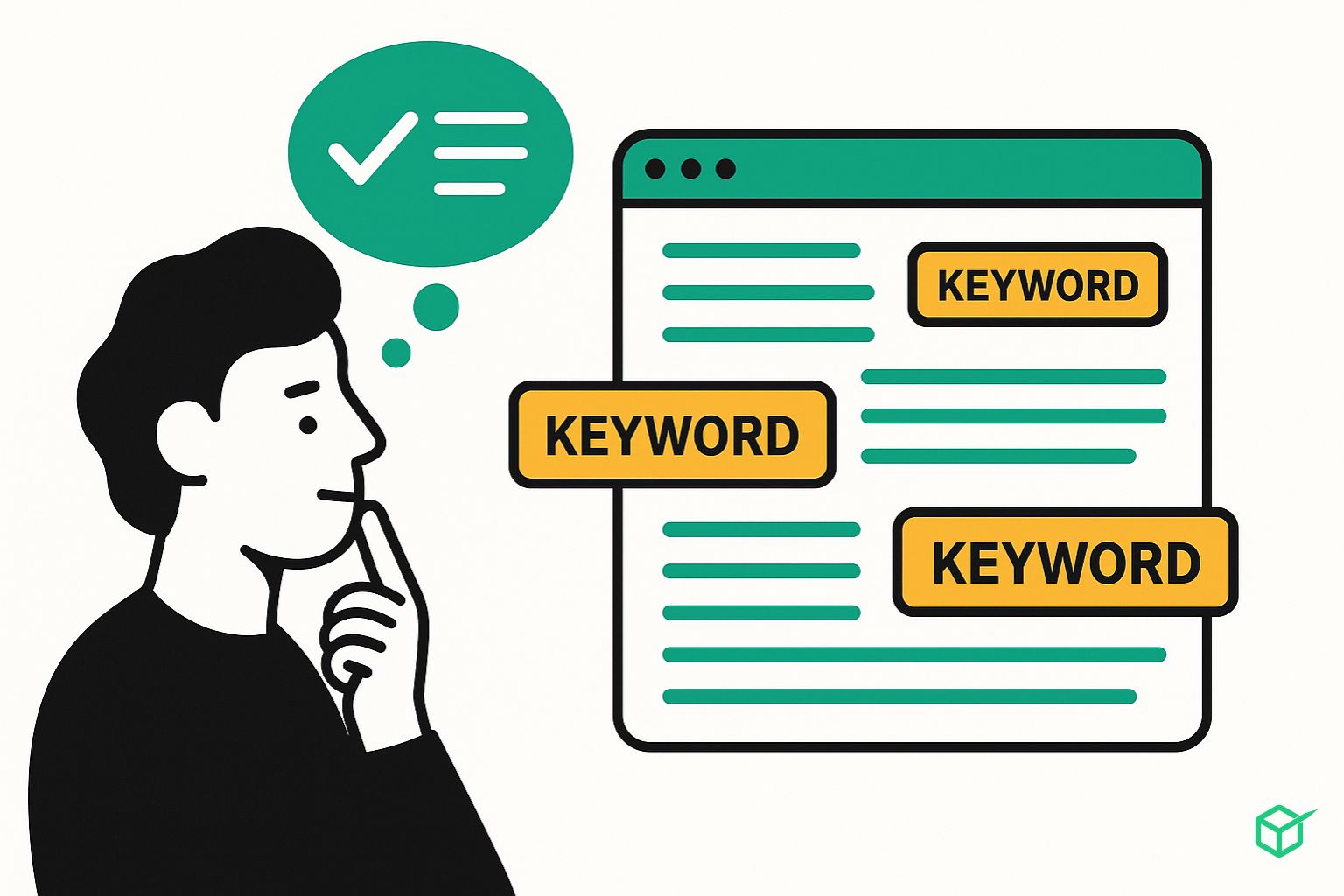
Using your keyword too many times will hurt both readability and rankings. Focus on natural language. Aim to use your primary keyword 2–3 times in every 1,000 words, depending on length and topic complexity.
Support With Related Keywords
Incorporate LSI keywords (latent semantic indexing) and long-tail variations to support the main term. These help Google understand the full scope of your content without repeating the same phrase.
Use Internal Links Wisely
Improve Navigation and Context
Link to other relevant pages on your site to help users find related information and keep them engaged. Internal linking also helps search engines crawl and index more of your site.
Use Descriptive Anchor Text
Avoid generic terms like “click here.” Instead, use anchor text that clearly describes the linked content, such as “learn more about schema markup” or “our full site speed checklist.”
Optimize for Featured Snippets and AI Answers
Format for Scannability
Use bullet points, numbered lists, and bold text to highlight key points. AI search tools and LLMs often pull content from clearly formatted sections.
Answer Questions Directly
Use H3s to introduce frequently asked questions, then answer them in one or two clear sentences. This increases your chances of being featured in snippets or cited in AI-generated responses.
Final Tip: Don’t Sacrifice UX for SEO
Fast-loading, well-organized content is more important than ever. Use short paragraphs, proper white space, and mobile-friendly design to improve the reading experience. Better UX means longer dwell time, lower bounce rates, and stronger performance in both search results and AI platforms.
Chapter 5: Optimize for CTR
Organic click-through rate (CTR) is a crucial ranking and traffic factor.
Why CTR Matters
Google uses aggregated interaction data, including clicks, to evaluate the relevance of search results. A high CTR indicates your result is resonating with users, which can indirectly support better rankings.
A higher CTR also means more traffic, even if your position stays the same.
Optimize Your Content for Featured Snippets
Identify Featured Snippet Opportunities
Start by identifying keywords you already rank on page one for. Use a tool like an SEO analysis platform’s Organic Research to filter those terms.
- Step 1: Filter for keywords where your site ranks in the top 10
- Step 2: Narrow down to those with featured snippets
- Step 3: Analyze the snippet format on Google
Match the Snippet Type
If the featured snippet is a definition, include a clear, concise definition in your content.
If it’s a list, format your content as a step-by-step process or bullet list.
Aligning your structure to the featured snippet format increases your chance of earning the top position.
Use Schema Markup Strategically
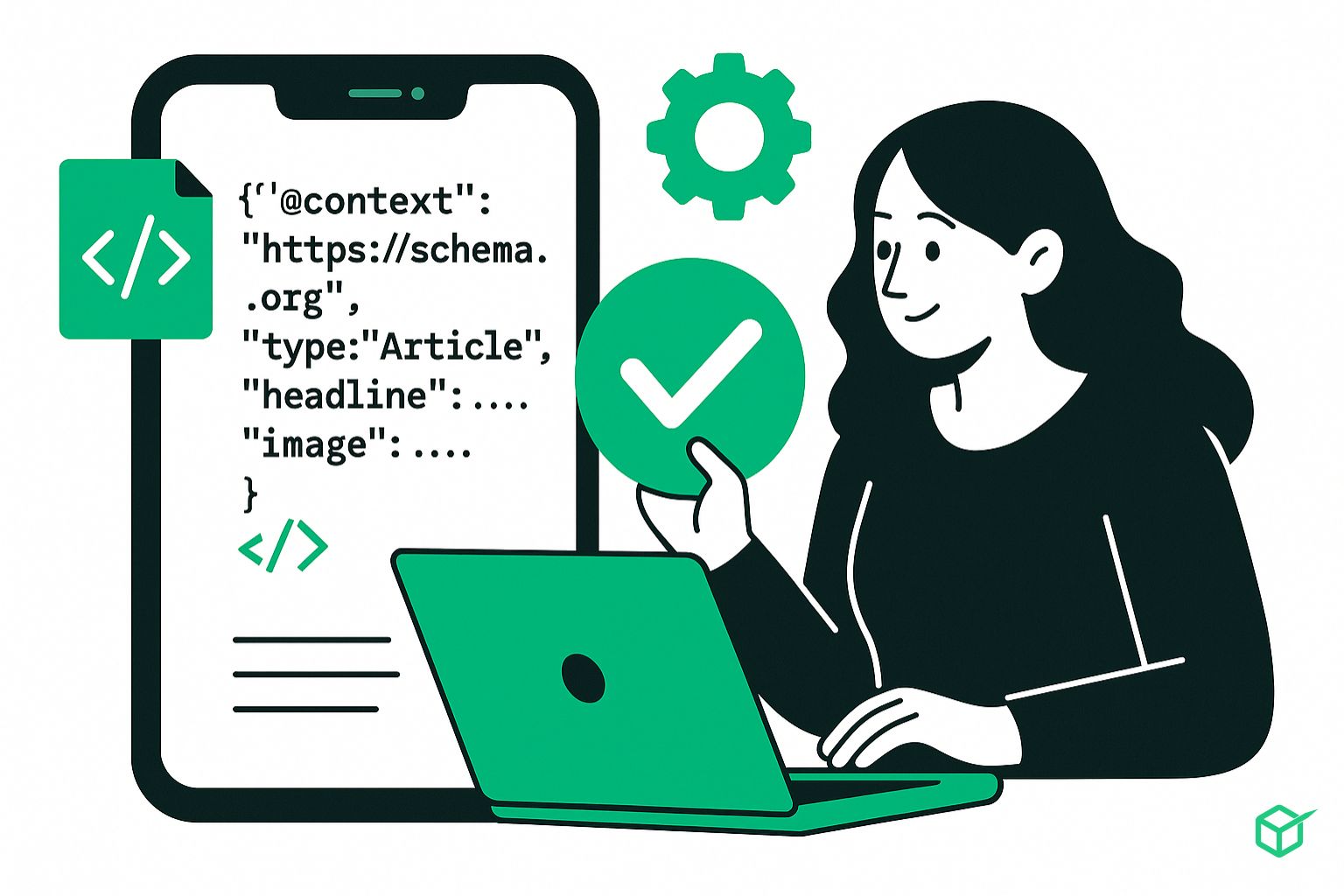
Schema doesn’t directly improve rankings, but it enables rich snippets, which do improve CTR.
Key Types of Schema
- FAQ schema: Adds collapsible answers directly in the SERP
- Product schema: Displays price, availability, and ratings
- Review schema: Highlights customer feedback and star ratings.
- How-to schema: Shows step-by-step guides
- Organization schema: Helps with the brand knowledge panel appearance
Use Google’s Rich Results Test to validate supported markup, then confirm that the structured data matches the visible page. Validation does not guarantee a rich result.
Write Titles for Clarity and Interest
A title can be specific, useful, and engaging without relying on an unsupported uplift claim. Describe the page accurately, lead with the point that matters to the searcher, and avoid exaggerated promises that the content cannot deliver.
Best Practices
- Use emotional triggers, but avoid clickbait.
- Stay clear of exaggerated words like “insane,” “shocking,” or “unbelievable”
- Instead, lean into trustworthy and actionable terms like “effective,” “proven,” or “simple.”

Use Dates Only When They Change the Decision
Add a year or update date when freshness is part of the searcher’s task, such as tax rules, software compatibility, event schedules, or annual research. Keep evergreen titles undated, and never change a date without reviewing the underlying content. Avoid years in URL slugs when the same page will be maintained over time.
Chapter 6: On-Page UX Optimization
User experience affects whether visitors can read the page, find an answer, and complete the intended action. Use analytics and usability testing to diagnose friction, but do not present time on page, bounce rate, or click patterns as direct ranking formulas.
Push Important Content Above the Fold
When someone lands on your page from a search, they want answers immediately.
What to Avoid
- Oversized hero images
- Long intros that delay the value
- CTAs before content
What to Do Instead
Lead with a clear headline, a brief introduction, and the most relevant information above the fold.
Chunk Your Content
Chunking is critical for readability, especially on mobile.
How to Chunk Effectively
- Use short paragraphs (2–3 lines max)
- Add plenty of H2 and H3 subheadings.
- Use bullets or a numbered list when the sequence matters
- Insert relevant images when they clarify the subject
- Bold important phrases for skimming
Skimmable content helps people locate the information they need, especially on smaller screens.
Monitor and Adapt Continuously
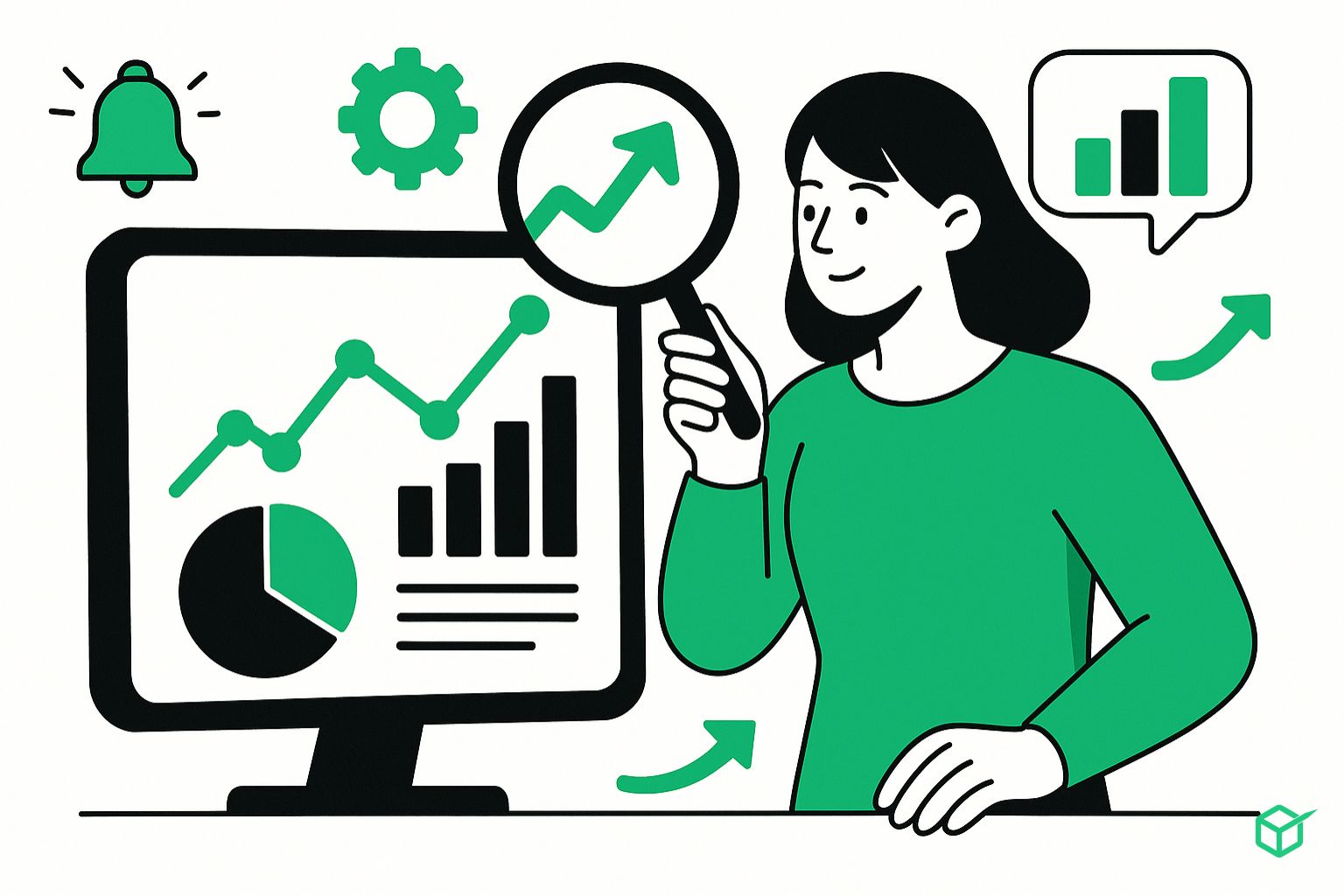
Optimization is not a one-time task. Regularly monitor your on-page metrics to stay competitive and adapt to changes in algorithms or user behavior.
Key Metrics to Track
- Traffic trends: Identify surges or drops
- Bounce rate: Diagnose content relevance and structure
- Click-through rate (CTR): Measure meta title and description performance
- Keyword rankings: Evaluate search visibility and identify declines
- Time on page: Understand content quality and user engagement
Use tools like Google Search Console, your analytics and SEO toolset to collect this data and act on it.
Maintain a Page-Level Change Log
Track the URL, change date, hypothesis, owner, validation checks, and measurement window. This makes performance changes easier to interpret and prevents repeated edits without a clear reason.
A Decision Framework for Page-Level Improvements
Not every weak page needs more copy. Diagnose the constraint before editing. Start with four questions:
- Is the page eligible and discoverable? Confirm that the canonical URL returns a successful response, is not unintentionally marked noindex, can be reached through a crawlable link, and appears in the appropriate sitemap. If the page cannot be indexed, copy changes are premature.
- Does the page satisfy the intended task? Compare the query, page type, and likely next action. A guide should teach; a comparison should help someone choose; a product or service page should make the offer and process concrete. If the format is wrong, revise the page’s job before polishing individual tags.
- Is the information credible and complete? Add first-hand details, definitions, limitations, examples, source links, and decision criteria that a reader needs. Remove unsupported statistics, invented outcomes, vague superlatives, and paragraphs that merely restate the heading.
- Can visitors act without friction? Check readability, mobile layout, page speed, forms, navigation, and calls to action. A ranking that sends people into a confusing experience is not a business win.
Use the smallest intervention that addresses the constraint. A strong page with a vague title may need a metadata and heading pass. A thin page may need original research or clearer examples. Several overlapping pages may need consolidation and redirects rather than separate rewrites.
How to Measure an On-Page SEO Update
Record the change date, the URLs affected, the main hypothesis, and the primary conversion before publishing. In Google Search Console, review clicks, impressions, average position, and query mix for the page. Compare equivalent periods when seasonality matters, and allow enough time for recrawling and normal demand variation. Google notes in its title link guidance that updated title sources must be recrawled and reprocessed, which can take time.
In analytics, assess engaged visits and the actions that matter for the page: product views, form starts, completed inquiries, sign-ups, or revenue. Segment by device when mobile experience may be the issue. Do not treat bounce rate, time on page, or a single ranking as a verdict without context. A visitor who finds an answer immediately may leave satisfied; a visitor who stays because the interface is confusing is not a success.
For a useful test, change a coherent group of related elements and document why. For example, clarify the title and opening answer, add a comparison table, strengthen internal links, and simplify the call to action. Avoid changing the URL unless there is a compelling architecture reason. After publication, confirm the live HTML, canonical, indexability, links, images, and conversion tracking before waiting for performance data.
On-Page SEO Quality-Control Checklist
- The page has one primary task and matches the appropriate page type.
- The visible title, HTML title, and opening content accurately describe that task.
- The answer begins early and necessary detail follows in a logical order.
- Headings help readers navigate; they are not stuffed with repeated variants.
- Claims are supported, dated when necessary, and linked to trustworthy sources.
- Internal links use descriptive anchor text and point to live, canonical URLs.
- Meaningful images have descriptive alt text; decorative images use empty alt text.
- The meta description is a concise page-specific summary, not a ranking promise.
- The page works on mobile, loads reliably, and does not hide content behind intrusive elements.
- Structured data, when used, matches visible content and the relevant Google documentation.
- The conversion path and analytics events have been tested.
- An owner and review trigger are defined for future updates.
Conclusion
You’ve now learned how to master every core element of on-page SEO, from technical structure and keyword targeting to UX and engagement signals. These aren’t one-time tasks—they require regular updates and ongoing performance checks.
Want to go deeper?
Explore additional guides on:
- Off-page SEO and link building
- Technical SEO optimization
- Content marketing and inbound strategies
FAQ
What is the difference between off-page SEO and on-page SEO?
Off-page SEO refers to factors outside your site, such as backlinks and social signals. On-page SEO focuses on optimizing elements within your site, including content, meta tags, and internal linking.
What’s the difference between on-page SEO and technical SEO?
On-page SEO deals with page-level elements like text, structure, and keywords. Technical SEO involves backend optimizations like crawlability, indexing, speed, and schema markup.
How often should I update my on-page SEO?
Check performance monthly. Reassess in detail quarterly, especially for content tied to fast-moving topics or competitive keywords.
What are the most important elements of on-page SEO?
Title tags, headings, content quality, internal links, images, and structured data. UX factors like readability and page speed are also critical.
Are there tools that help with on-page SEO?
Yes. Use platforms like an SEO analysis platform, a backlink analysis platform, Moz, and Google Search Console for research, auditing, and performance tracking.